Macros
Nutrition
Log Your Meals
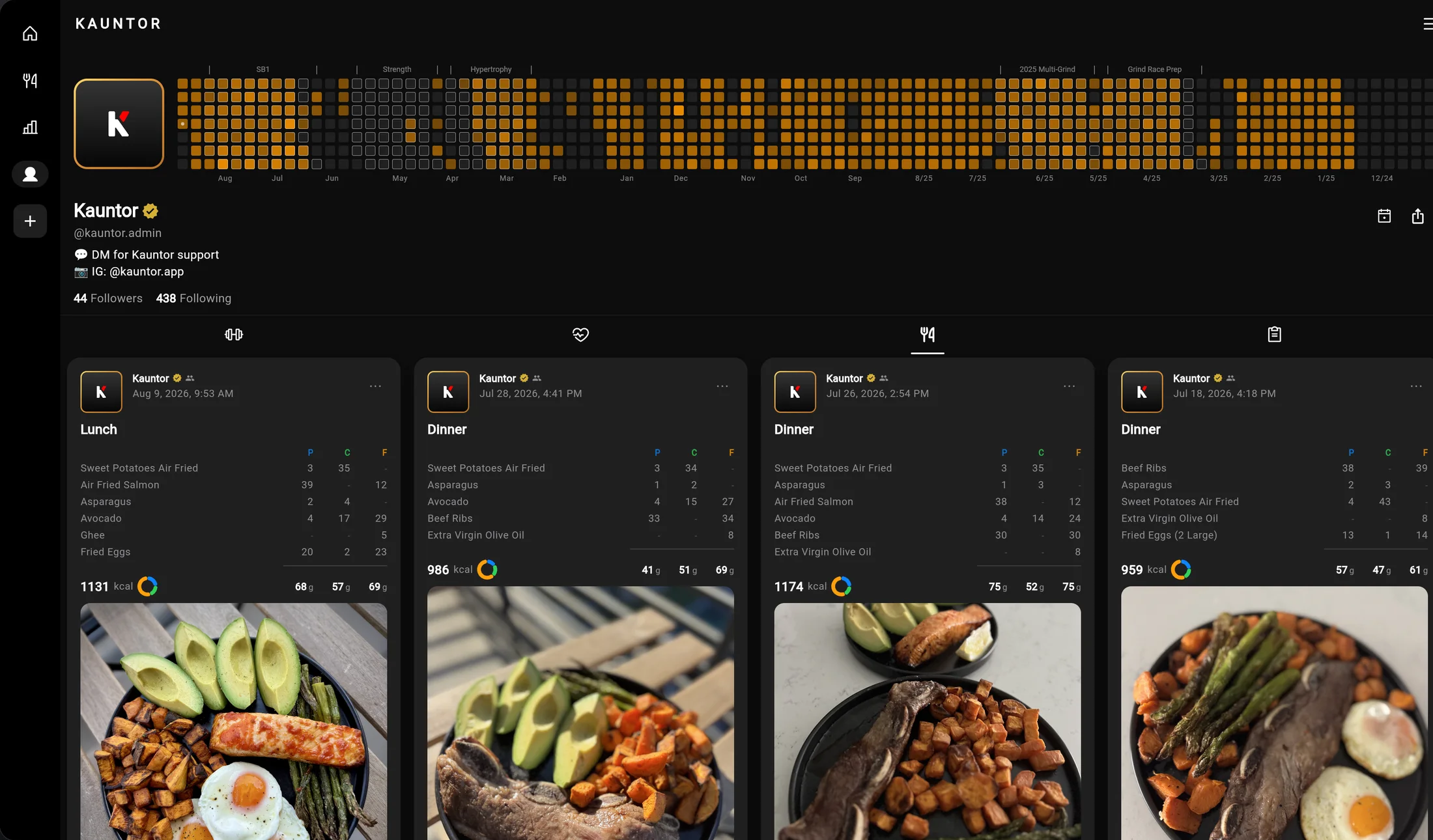
Snap a photo, or just describe what you ate. Kauntor estimates the nutrition from your photos and description, and you adjust from there. There are three ways to log, depending on how precise you need to be. Here’s how to get the most accurate results from each.

Packaged Foods
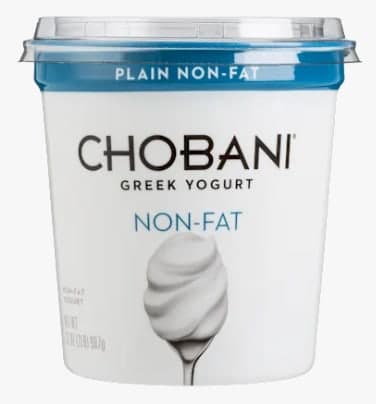
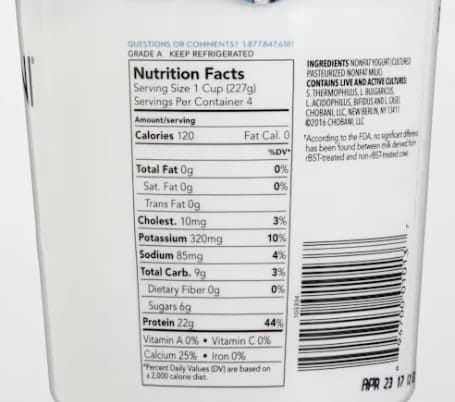
Take a photo of the nutrition label and the front of the package. Kauntor will extract the exact macro values from the label.
Using a Food Scale
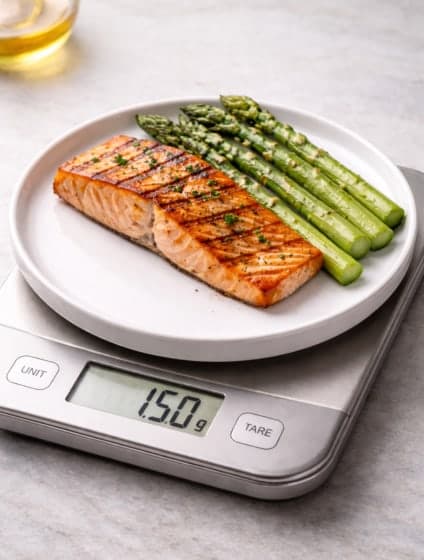
Place your food on a scale and take a photo showing the weight. Kauntor will automatically detect and log the serving weight for precise tracking.
Photos + Description
Add photos of your meal along with a description for more context. Mention details like cooking oil used, sauces, or portion sizes for more accurate estimates.
Tracking
Track Macro & Micro Nutrients
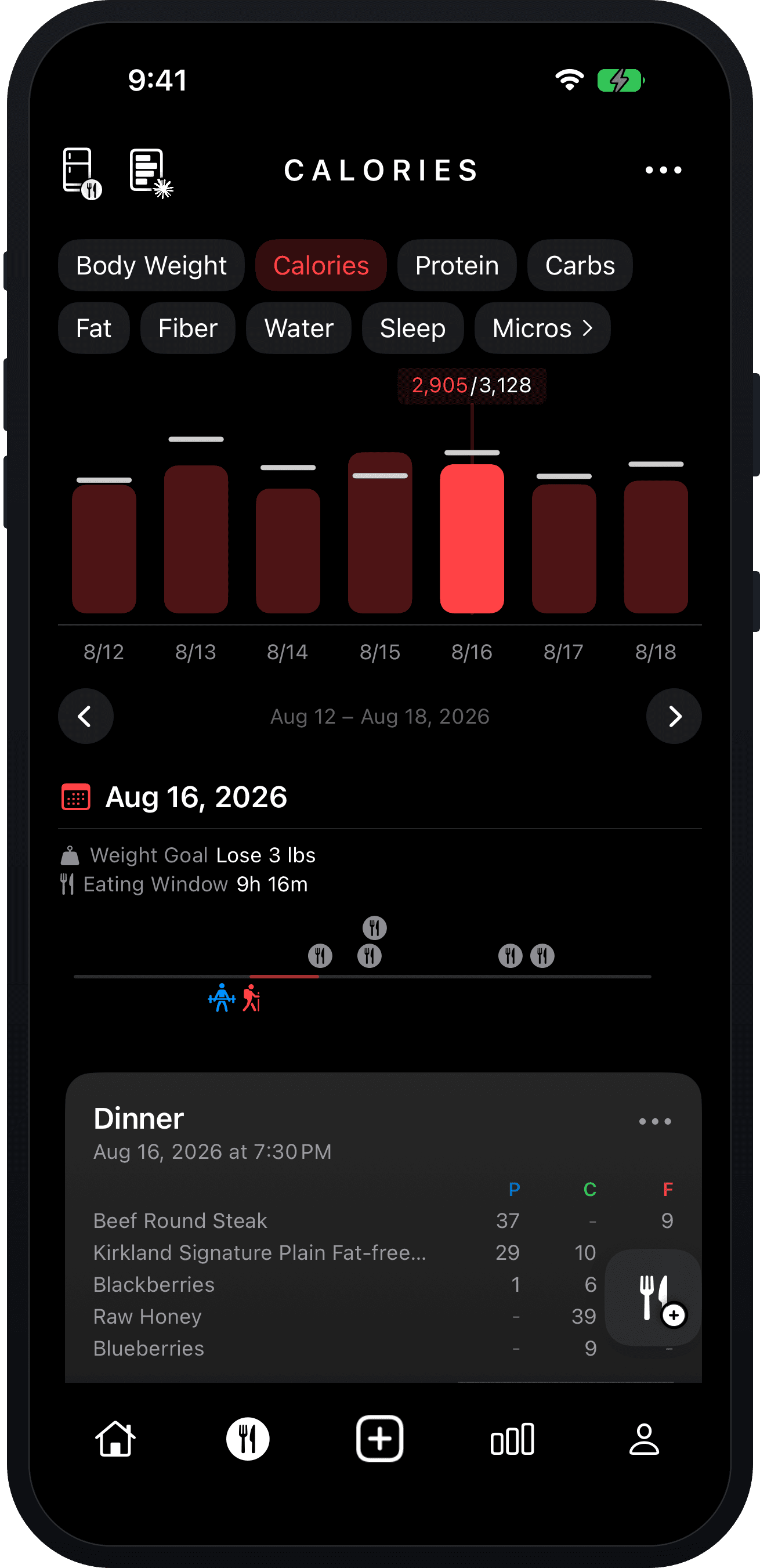
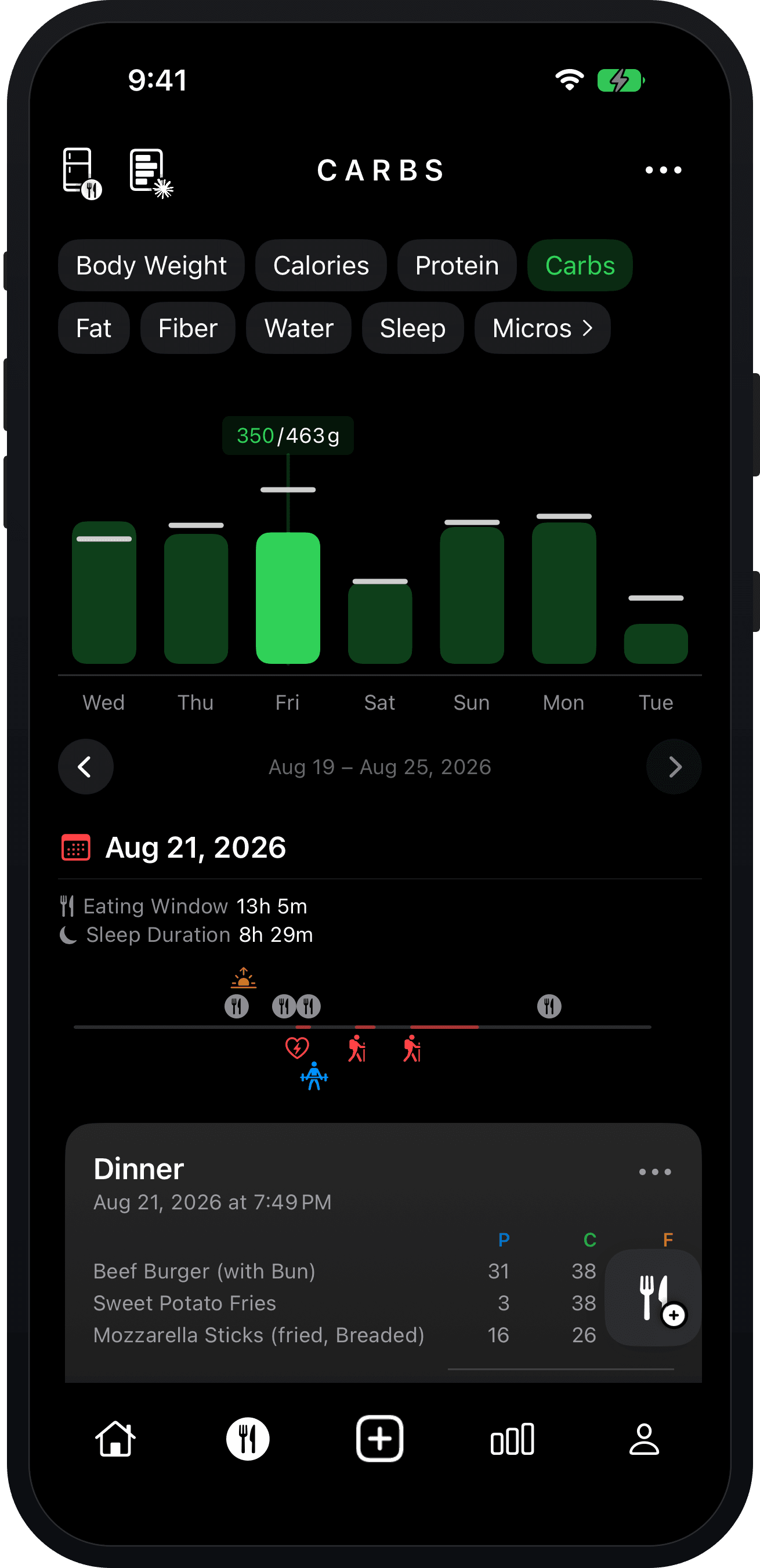
Every logged meal breaks down into calories, protein, carbs and fat, totaled against the day’s target as you go and rolled up into a week you can scan in one look.
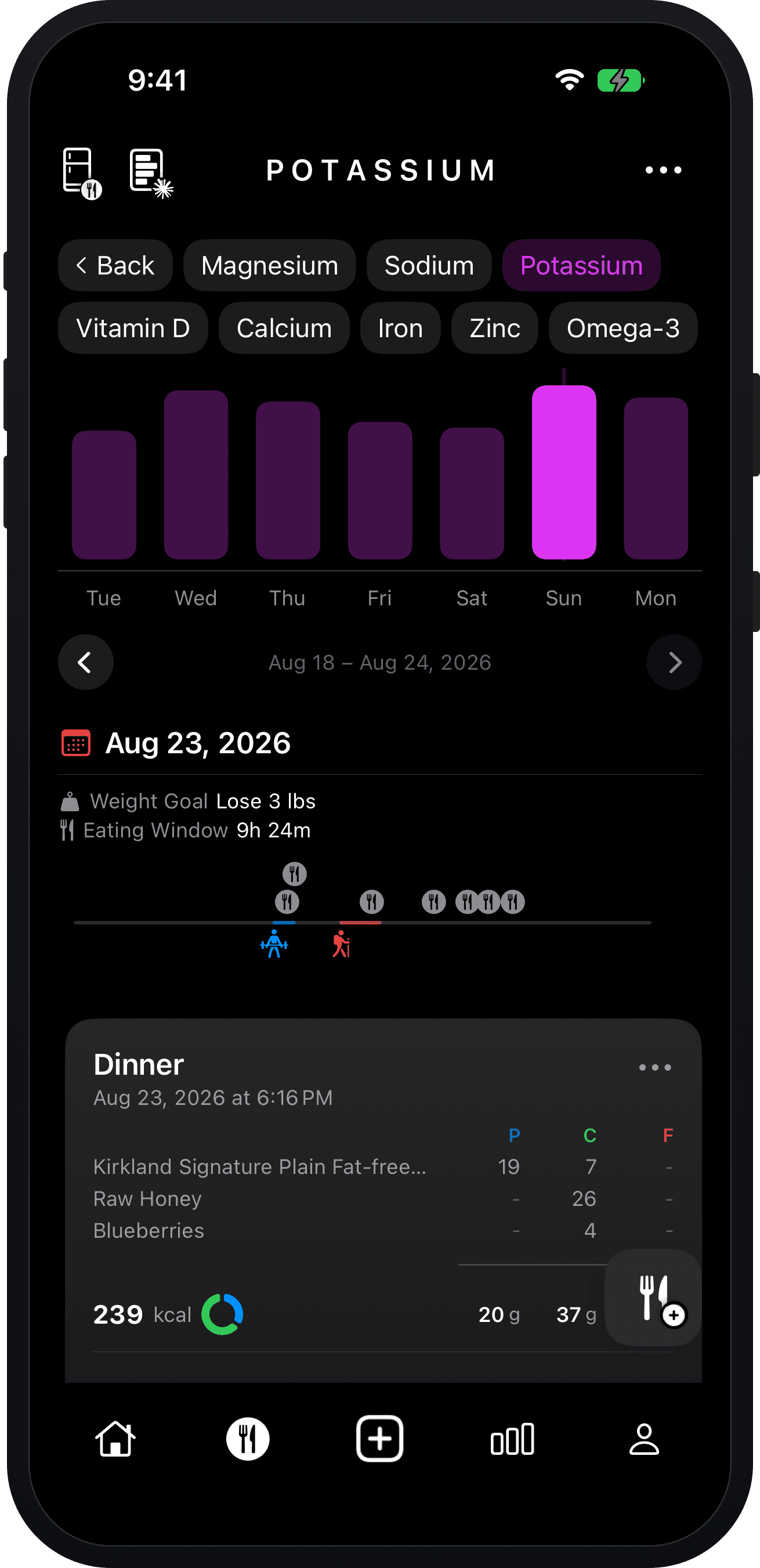
Track micronutrients as well — magnesium, sodium, potassium, vitamin D, calcium, iron, zinc and omega-3, alongside fiber, water and sleep. They’re equally critical for optimal performance.
Goals
Set Macro Targets
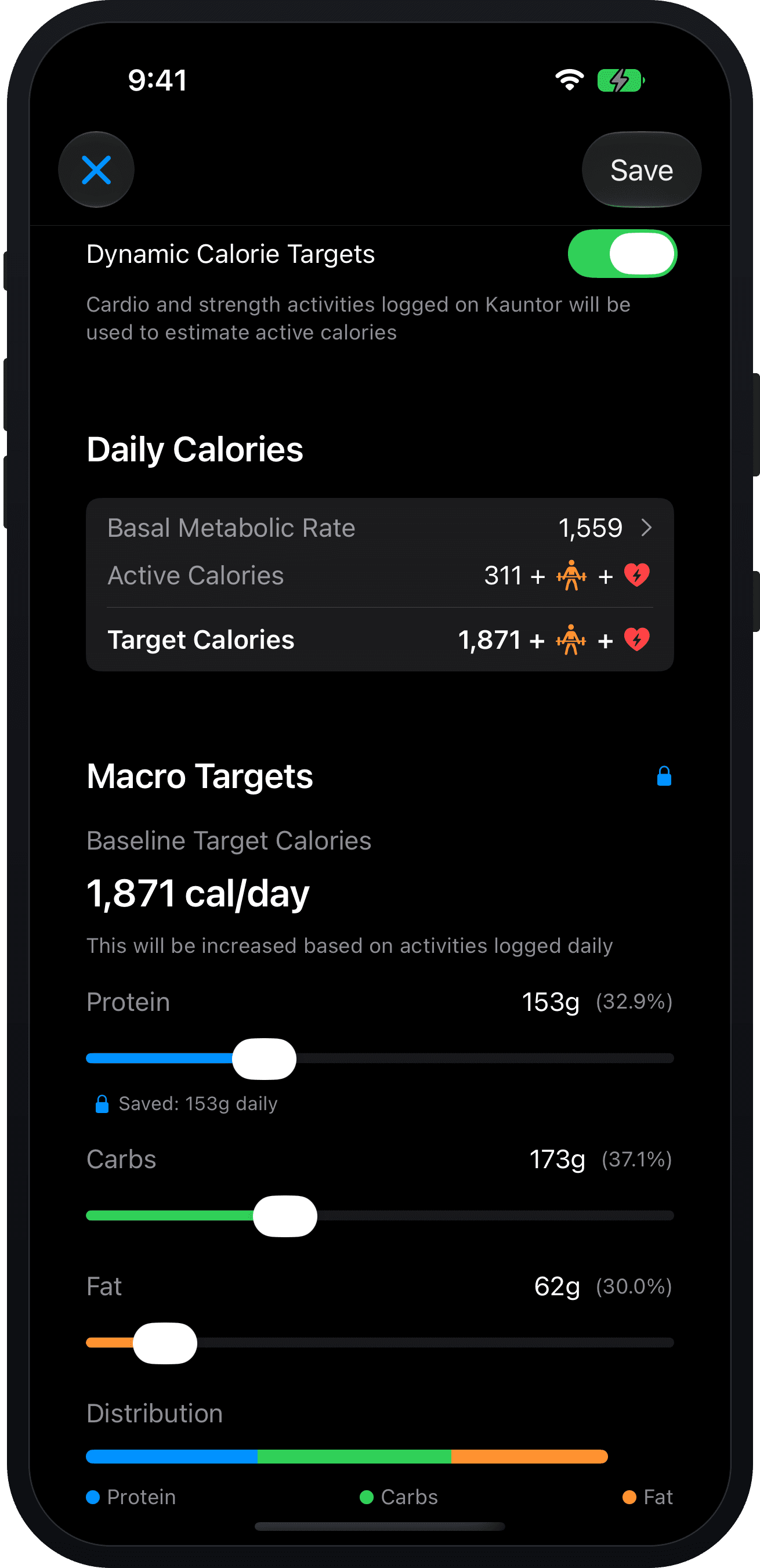
Set a baseline calorie target and split it into protein, carbs and fat — bulking, cutting or fueling for performance. Lock the macro you care about and the others rebalance around it.
Turn on dynamic targets and the day’s goal follows the work: your basal rate plus the active calories from the cardio and strength workouts you actually logged. Carb targets adjust higher automatically on heavy training load days. Kauntor makes fueling for performance simple.
Progress
Track Your Physique
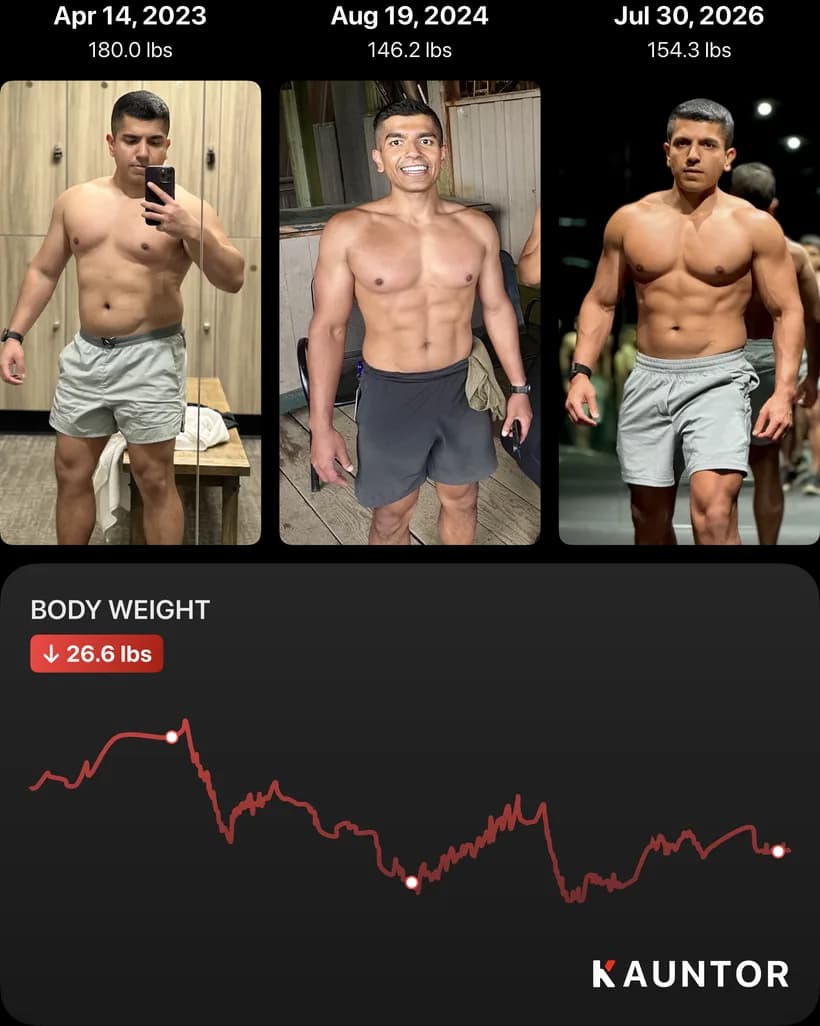
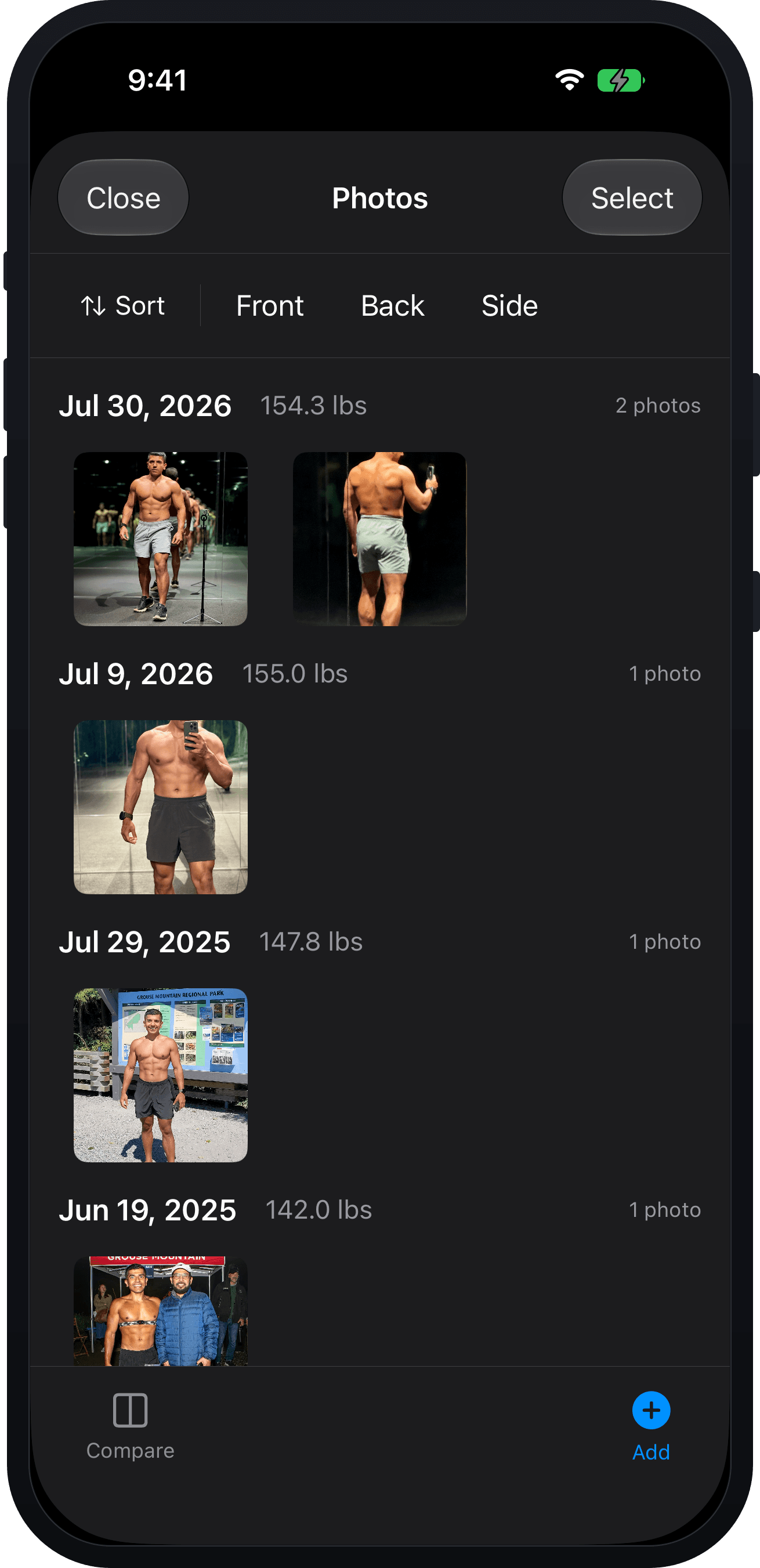
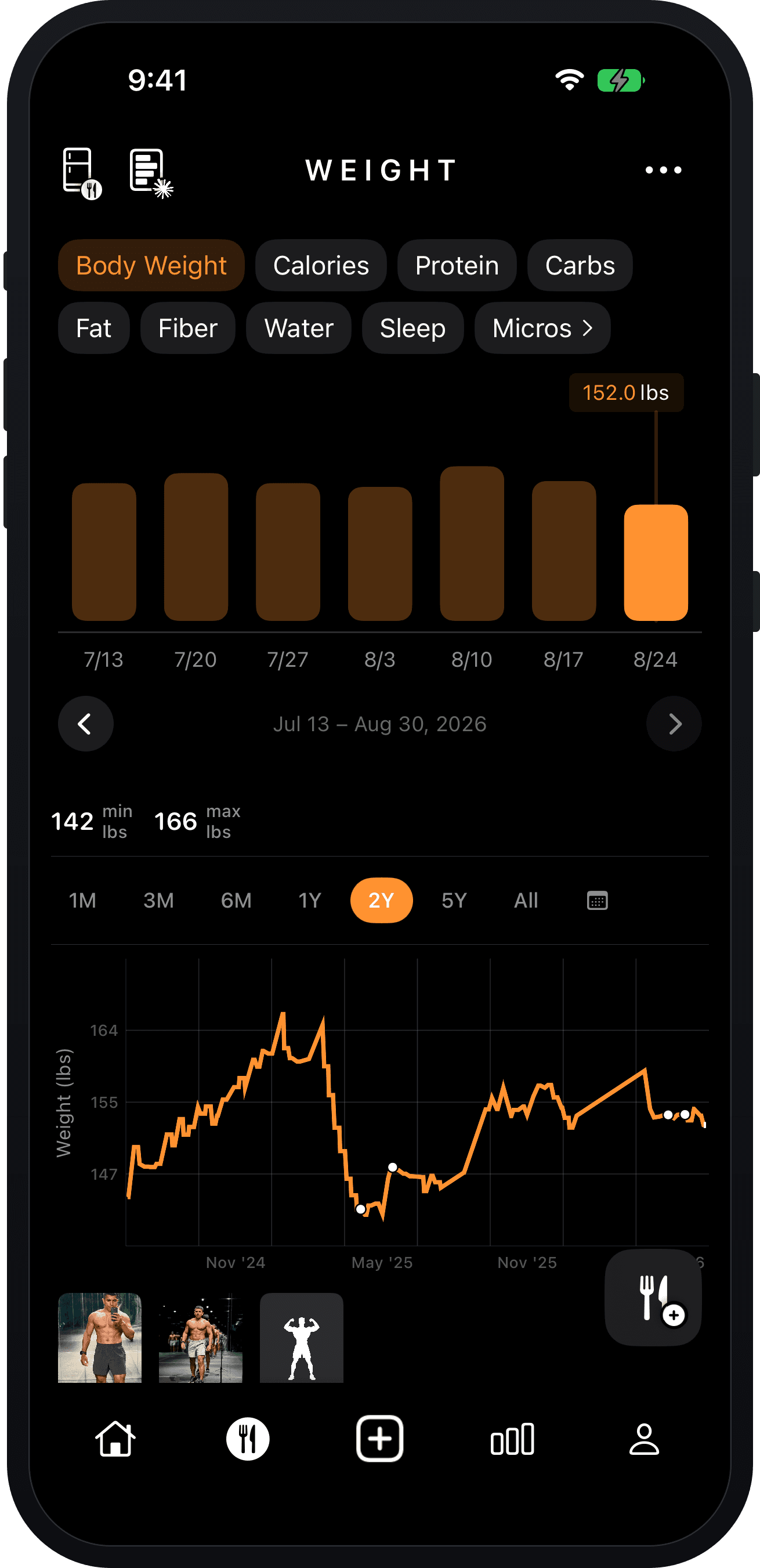
Body weight charted across months and years. Progress photos pin to the chart at the date they were taken, filed by pose and linked to the weight you were at. Kauntor makes it easy to track and visualize your bulk and cut cycles.
CGM
Track Glucose For Performance
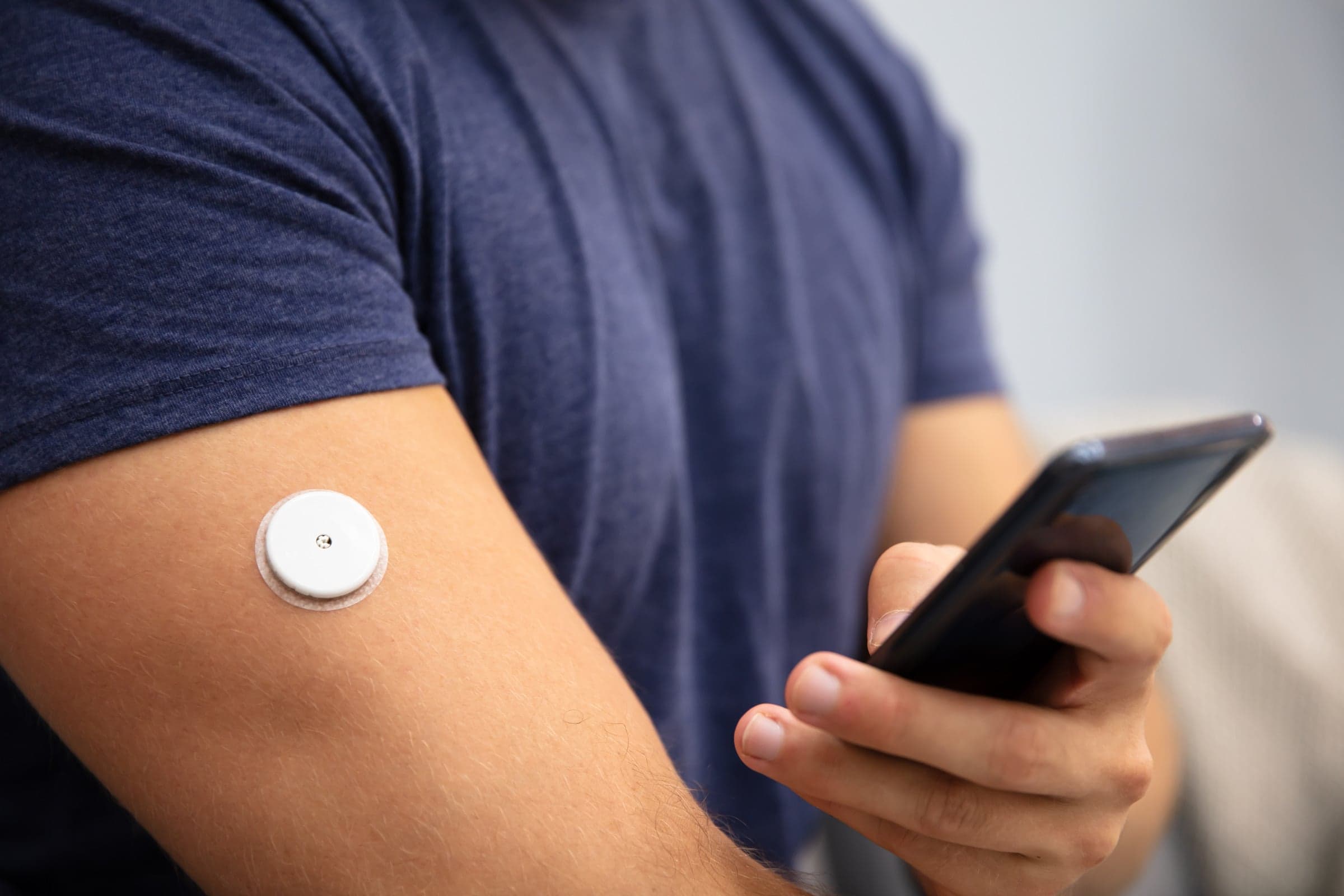
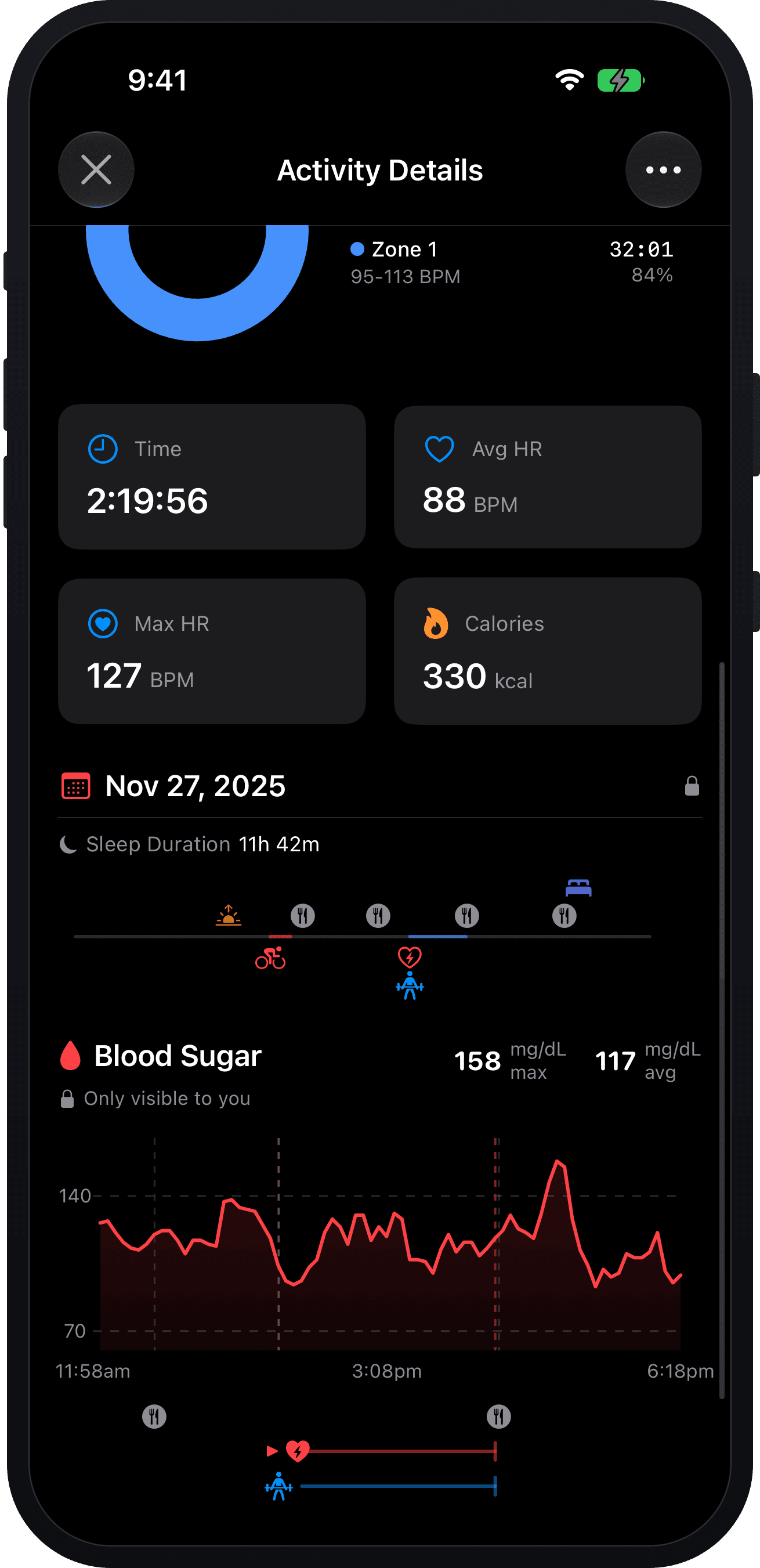
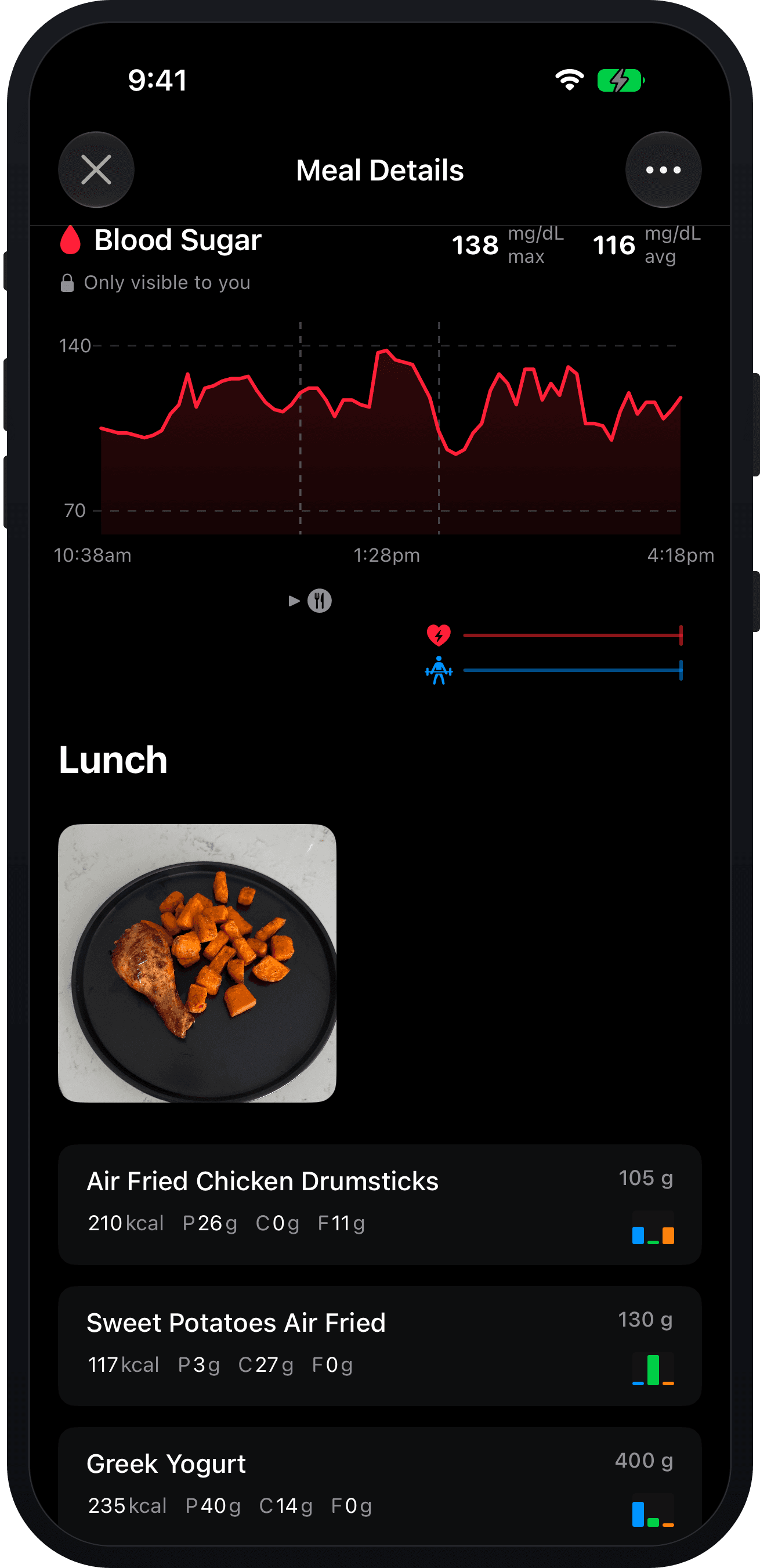
Sync a continuous glucose monitor and fueling stops being guesswork. The chart sits directly on the activity, with meals and sessions marked along it — so you can see how a pre-session meal actually landed, whether you started a long effort topped up or already falling, and how fast you came back afterward.
For endurance athletes chasing every edge, this can be a game changer for optimizing fuel for performance. It’s just as useful if you’re keeping an eye on glucose for health reasons. Works with any CGM that writes to Apple Health on iOS or Health Connect on Android — the Dexcom G7, for example.
AI chat
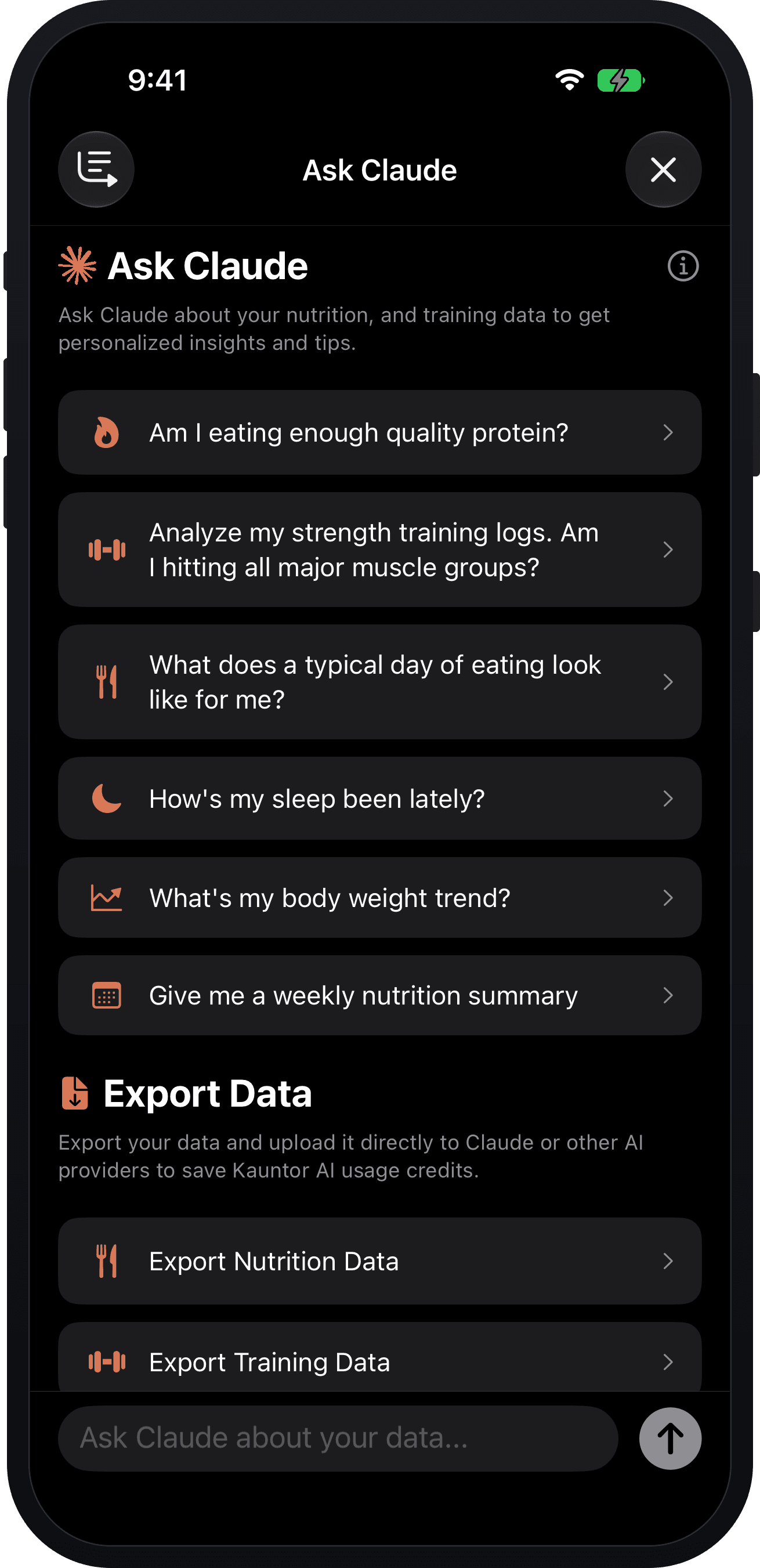
Ask Claude
Ask questions of your own logs in plain language. Claude goes and fetches the data to answer them — meals and micronutrients, blood glucose, sleep, body weight, training and planned workouts — then works from what’s actually there rather than generic advice.
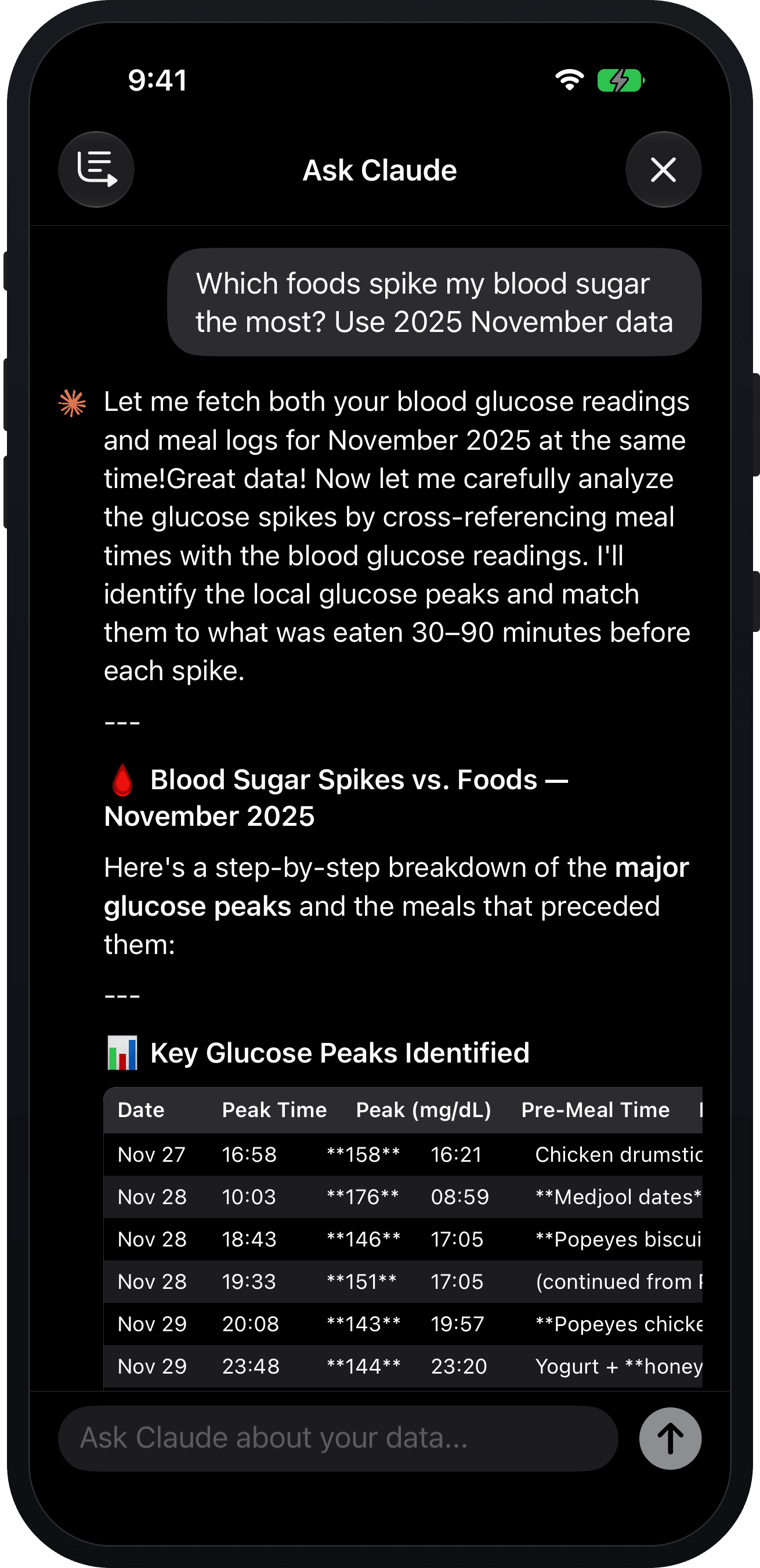
Ask which foods spike your blood sugar most and it pulls a month of glucose readings and meal logs together, matches every peak to what you ate in the 30–90 minutes before it, and hands back the list. Coaches can ask the same questions about a client’s data.
Prefer to do the analysis yourself? Export your nutrition or training data as CSV and dig through it in a spreadsheet, the old-fashioned way.